
Microsoft continues to refine its flagship operating system with the upcoming Windows 11 version 25H2, a feature update that is expected to arrive in the second half of 2025. Building upon the innovations introduced in version 24H2, this release focuses heavily on artificial intelligence, security, and user productivity. While Microsoft has not yet made an official announcement, early leaks from the Windows Insider Program and industry analysts provide a clear picture of what users can anticipate.
Release Timeline and Availability
Based on Microsoft's historical release cadence, version 25H2 is likely to begin its rollout in September or October 2025. The update will first be offered to Windows 11 users running version 22H2 or later, with staggered availability to ensure stability. Insiders can expect to see early builds in the Dev Channel as early as the spring of 2025. As with previous releases, Microsoft will provide a compatibility check tool to help users confirm their device meets the new system requirements.
Key Features and Enhancements
AI-Powered Capabilities
Artificial intelligence remains a cornerstone of Windows 11 25H2. The integration of Microsoft Copilot will expand beyond the sidebar, embedding directly into core applications like File Explorer, Notepad, and Settings. Users will be able to ask Copilot to organize files, summarize documents, or adjust system settings using natural language. Additionally, a new feature called "AI Recall" will allow users to search past tasks, files, and even conversations using AI-driven indexing, though privacy controls will be strict.
Redesigned File Explorer
File Explorer receives a visual overhaul with a more modern interface that adapts to light and dark themes. The new design includes a simplified ribbon, better integration with cloud storage services like OneDrive and Google Drive, and a tabbed browsing experience that feels more consistent. A new "Gallery" view will automatically organize media assets, making it easier for content creators to locate images and videos.
Improved Multitasking and Snap Layouts
Snap Layouts, one of the standout features of Windows 11, will see additional presets for ultra-wide monitors and tablets. A new "Snap Groups" feature will remember multiple window arrangements for different workflows, allowing users to switch between them with a single click. The Task View timeline will also integrate with Microsoft To Do and Calendar, enabling seamless task management.
Security and Privacy Upgrades
Security continues to be a priority. Version 25H2 will introduce "Zero-Trust Baseline" configuration, which enforces stricter authentication and network segmentation by default. Pluton TPM 2.0 chip support becomes mandatory for new devices, and a new "Secure Credential Guard" will protect against credential theft. Microsoft is also expanding its Pluton architecture to more third-party laptops, ensuring hardware-level security across the ecosystem.
Gaming Enhancements
Gamers will benefit from DirectStorage 1.3, which reduces load times even further, and Auto HDR improvements that work with a wider range of titles. The new "Game Mode 2.0" will prioritize system resources for games and allow users to apply performance profiles per title. Integration with Xbox Cloud Gaming will be more seamless, with a dedicated widget in the taskbar for quick access.
System Requirements and Compatibility
Windows 11 version 25H2 will maintain the same base requirements as version 24H2: a compatible 64-bit processor (Intel 8th Gen or AMD Ryzen 2000 series or newer), 4GB RAM, 64GB storage, and a TPM 2.0 chip. However, some AI features may require a Neural Processing Unit (NPU) or a graphics card with dedicated AI acceleration. Microsoft is expected to publish a list of supported CPUs and GPUs closer to release. Users on older hardware may still receive security updates but could miss out on headline features.
Performance and Battery Life
Early internal benchmarks suggest that build 25H2 offers up to 15% better battery efficiency on modern hardware, thanks to optimized power scheduling and reduced background activity. The update also includes memory compression enhancements that reduce RAM usage by up to 20% during multitasking. Storage management improves with automatic cleanup of temporary files and unused apps, similar to the Storage Sense feature on smartphones.
User Interface and Personalization
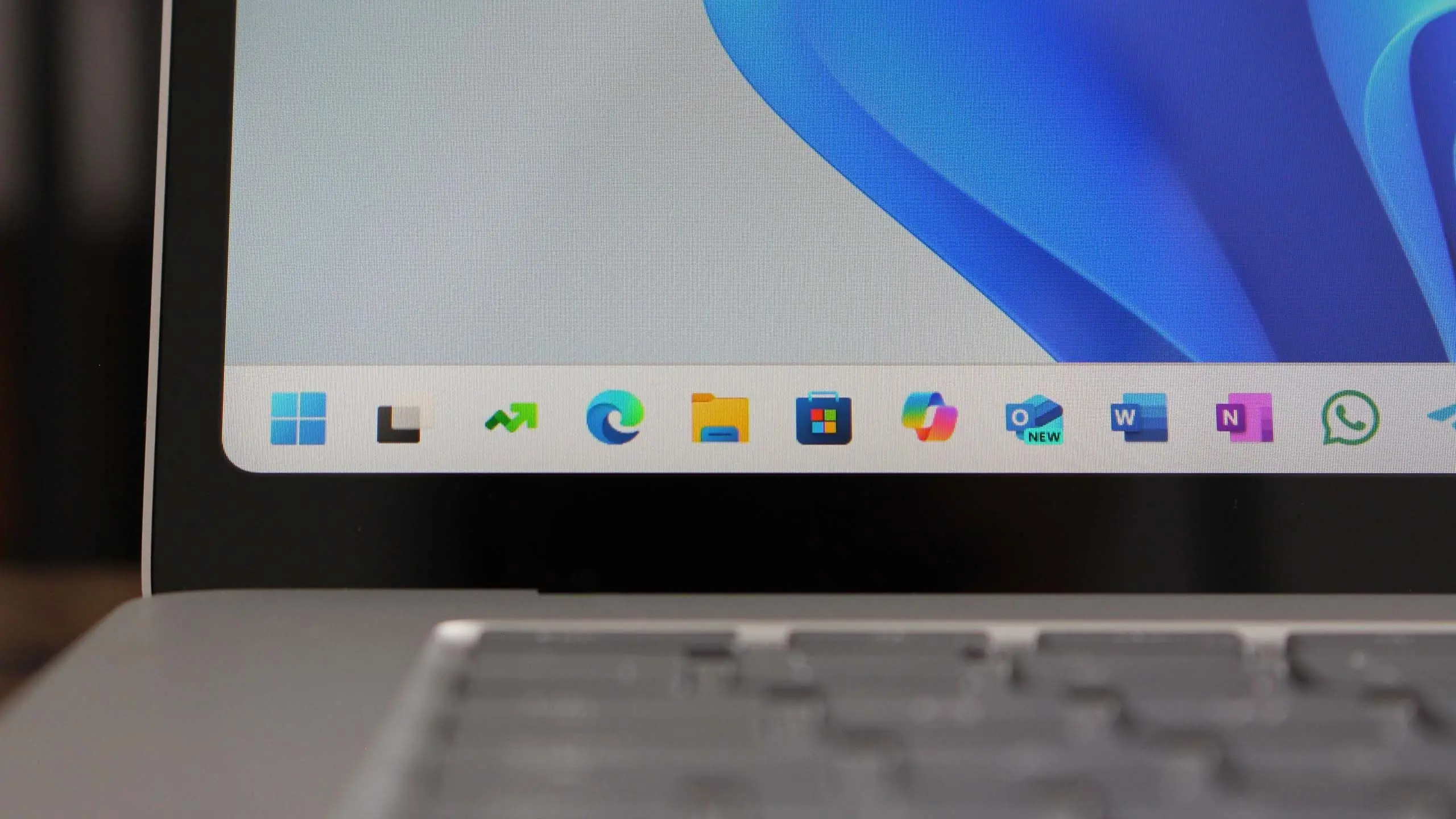
The taskbar receives subtle but meaningful changes. Icons can now be resized independently, and the system tray shows more customization options for clock, calendar, and notification content. A new "Dynamic Desktop" mode changes wallpapers based on time of day and weather conditions, using AI to blend live data with user preferences. Widgets also get an upgrade, with a dedicated widget board that supports third-party developers and live tiles for news, sports, and stocks.
Enterprise and IT Management
For businesses, version 25H2 brings improved Microsoft Intune integration, allowing IT admins to deploy updates more reliably. Windows Autopatch becomes the default update management tool for all Enterprise subscribers. A new "Security Baseline" tool provides pre-configured policies for compliance with NIST and ISO standards. Remote Desktop improvements include better codec support for low-bandwidth scenarios and a new multi-monitor layout that remembers workspace arrangements.
Backward Compatibility and Migration
Application compatibility remains a strong focus. Microsoft has worked with major software vendors to ensure that existing enterprise applications continue to run without issues. The update will include a "Compatibility Assistant" that identifies potential problems before the upgrade begins. Users of Windows 10 can still upgrade to Windows 11 for free, though Microsoft recently confirmed that Windows 10 support will end in October 2025, making the move to 25H2 a timely upgrade.
What's Not Changing
Some aspects of Windows 11 will remain consistent. The Core isolation feature, which uses virtualization to protect critical processes, will stay. The Microsoft Store continues to allow both UWP and Win32 apps, and the Windows Subsystem for Android (WSA) remains available, though updates to WSA are still limited. The deprecated features from version 24H2, such as the classic Control Panel and WordPad, will persist in legacy mode for compatibility.
Getting Ready for Version 25H2
Users who want to be among the first to test the new features can join the Windows Insider Program by enrolling in the Dev or Beta channels. Microsoft recommends backing up important data before installing preview builds. IT administrators should review the Windows 11 hardware compatibility list and plan for a phased rollout. As always, the final feature set may vary based on feedback and testing before the public release.
Source: Windows Central News