

The Hidden Cost of Premium AI Tools
Premium AI tools have revolutionized how developers and writers approach their daily tasks, but the convenience comes with a steep price tag. Services like ChatGPT Plus, Claude Pro, and Grammarly Premium each cost around $20 per month. For someone using multiple tools simultaneously, that adds up to $60 or more every month—over $720 annually. This financial burden often goes unnoticed until the bills start compounding, especially for freelancers or small teams on tight budgets.
Cloud-based AI tools also charge per token usage, which can lead to unpredictable expenses. Experimenting with long sessions or iterative work on code and text can quickly exhaust token allowances, forcing users to upgrade plans or throttle their usage. The frustration of watching money drain for tools that aren’t used daily prompted many to seek alternatives.
Local large language models (LLMs) offer a compelling solution. Once the hardware is purchased, there are no recurring fees, no usage caps, and no dependency on third-party servers. Running models locally ensures complete data privacy—your files never leave your machine. This is especially important for sensitive personal documents, proprietary codebases, or confidential writing projects.
Setting Up Your Local AI Ecosystem
Contrary to popular belief, you don’t need a high-end workstation to run local LLMs effectively. A modest second-hand PC or a used office desktop costing around $200 can handle models in the 3B to 7B parameter range. With a decent GPU (like an NVIDIA GTX 1060 or better) and 16GB of RAM, even larger models become accessible.
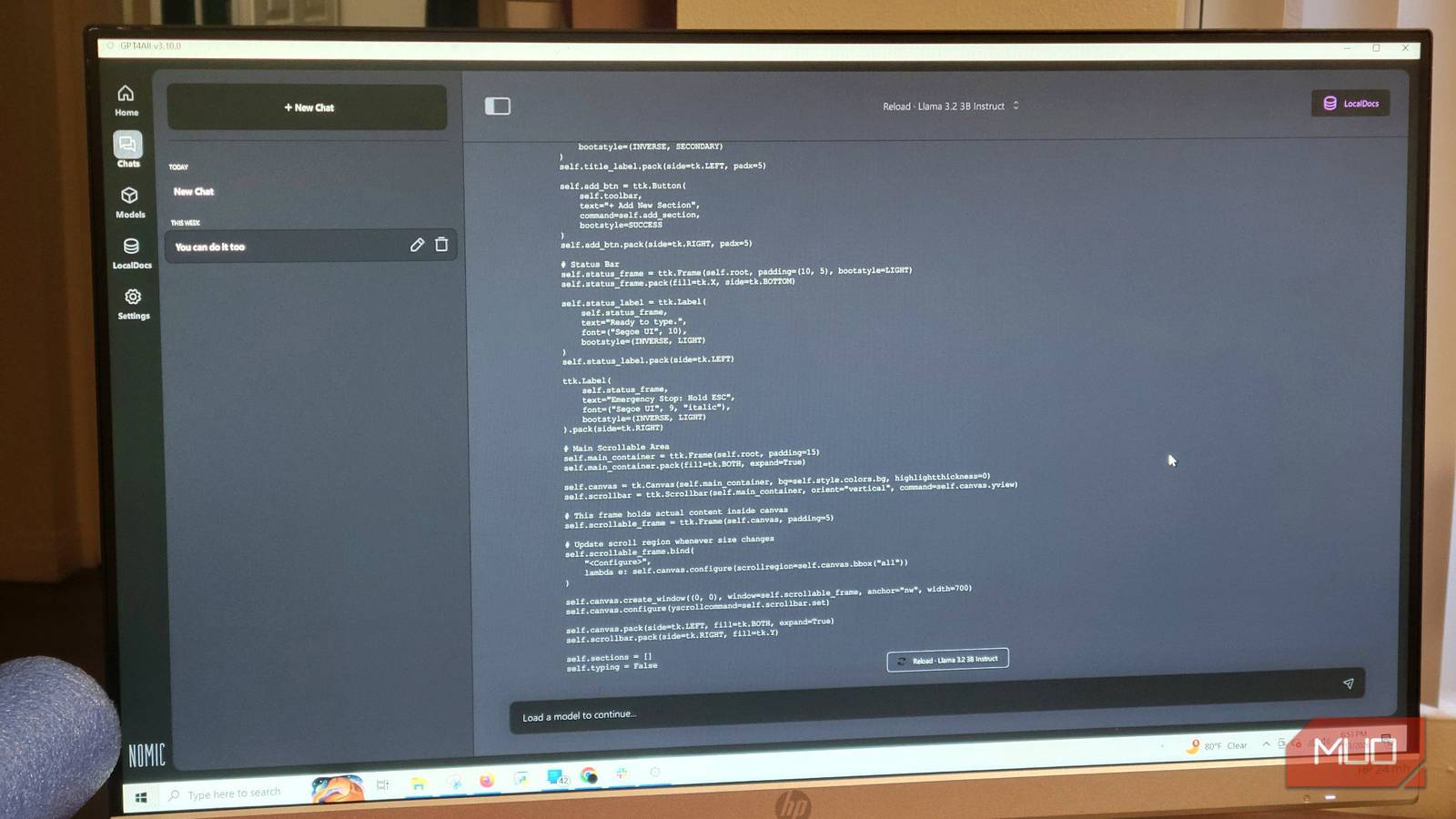
The software ecosystem has matured significantly. Tools like GPT4All, Ollama, and LM Studio provide user-friendly interfaces for downloading, managing, and interacting with open-source models. For beginners, GPT4All stands out because of its straightforward installation and built-in model hub. You simply download the application, browse the Model Hub, and click to install models like Qwen2.5-Coder-3B, Llama 3, or Mistral.
Once a model is loaded, you can connect it to your code editor via a local API. For example, using the Continue extension in VS Code, you can point the AI assistant to your local GPT4All endpoint. This enables real-time code completion, debugging suggestions, and file analysis without any cloud interaction. The same setup works for writing, grammar checks, and general Q&A.
Replacing Three Subscriptions with One Local Machine
The most obvious savings come from eliminating general-purpose chatbot subscriptions. ChatGPT Plus and Claude Pro each cost $20 monthly. By running Llama 3 or Qwen locally via GPT4All, you gain comparable reasoning and conversational abilities. In side-by-side tests, Qwen2.5-Coder-3B demonstrates strong code generation and explanation skills, often matching or exceeding Claude’s performance for common programming tasks.
For writing and grammar assistance, the Grammarly Premium subscription ($144/year) can be replaced by a local model like Microsoft’s Phi-3.5 Mini or Llama 3.2. These models are lightweight enough to run on the same machine while you edit documents. They provide spelling corrections, style suggestions, and even tone adjustments—all without sending text to external servers. The local approach also eliminates the random connectivity issues that plague cloud-based writing assistants.
The third subscription often overlooked is specialized code analysis tools. Some developers pay for Cursor, Tabnine, or GitHub Copilot. Local models like Qwen2.5-Coder can handle context-aware code completion and refactoring suggestions when properly configured. The key is to use a model specifically fine-tuned for code, such as CodeLlama or DeepSeek-Coder. These models are available through GPT4All and can be integrated directly into your editor.
Privacy, Performance, and Practical Considerations
Data privacy is a major advantage of local LLMs. When you run a model on your own hardware, every prompt and response stays inside your home or office network. This is critical for professionals handling confidential client data, proprietary algorithms, or personal financial information. No cloud server stores logs, and no third-party policy changes can restrict your access.
Performance on local hardware has improved dramatically. The open-source community continuously releases new quantization techniques and model architectures that reduce memory requirements without sacrificing quality. For instance, the 4-bit quantized version of Qwen2.5-Coder-3B fits comfortably on 8GB of RAM and delivers responses in under a second for short prompts. Larger models like Llama 3 8B require more resources but still run smoothly on a dedicated server machine.
One trade-off is that local models may not have access to real-time internet information. They can’t fetch live data or browse the web unless you configure additional tools like a local retrieval-augmented generation (RAG) pipeline. However, for most coding and writing tasks, the model’s training cutoff is sufficient. You can also manually feed it context from your files by turning on the “local documents” feature in GPT4All.
The initial setup does require some technical comfort, but the bar is lower than ever. Many communities and tutorials exist to guide newcomers through installing GPU drivers, configuring Docker containers for Ollama, or optimizing prompt templates for specific tasks. Once the system is running, maintenance is minimal—just occasional model updates.
Real-World Workflow Integration
To get started, download GPT4All from the official website (no installation hassle). Open the application and navigate to the Model Hub. Search for “Qwen2.5-Coder-3B” and click download. After a few minutes, the model appears in your local list. Select it and start a chat session to test its responses. Adjust the “Max Length” setting under Model options to “4096” or higher to allow detailed answers.
Next, configure your code editor. In VS Code, install the Continue extension. In its settings, add a new model provider with the type “OpenAI” and the API endpoint set to http://localhost:4891/v1 (the default GPT4All API URL). This connects the editor to your local model. Now you can use Ctrl+I to ask for code suggestions, write documentation, or analyze files. The requests never leave your machine, and you get unlimited usage.
For writing tasks, you can keep GPT4All running in the background and copy-paste paragraphs for grammar checks. Alternatively, use a dedicated local writing assistant like “Writer” or “LocalGPT” that integrates directly with text editors. The experience rivals or surpasses cloud tools once you fine-tune the model’s temperature and system prompt to match your writing style.
The financial impact is immediate. By replacing three subscriptions, a user saves approximately $600 per year. That’s enough to justify a small hardware upgrade. Even if you need to invest in a $500 dedicated machine, the payback period is less than a year. After that, every interaction is free.
Moreover, you gain complete control over model behavior. You can customize the system prompt to enforce a specific tone, limit topics, or integrate knowledge from your own files. No cloud service offers this level of granularity without extra charges. For advanced users, fine-tuning the model on personal data is possible using tools like Unsloth or Axolotl, further enhancing relevance.
The open-source ecosystem is vibrant and rapidly evolving. New models like Qwen3, DeepSeek-V2, and Mistral Large are released regularly, offering improved reasoning, larger context windows, and better multilingual support. Running them locally ensures you can always upgrade without waiting for a subscription plan change.
Overcoming Common Objections
Some argue that local models lack the advanced features of cloud services, such as real-time web search, plugin ecosystems, or multi-modal capabilities. While true for some narrow use cases, the gap is closing. Tools like LocalAI and Ollama now support vision models (e.g., LLaVA) that can analyze images. For text-heavy workflows—coding, writing, data extraction—local models are more than adequate.
Hardware limitations can be addressed with cloud GPU rentals for heavy tasks, but even then, the cost is a fraction of a monthly subscription. For instance, renting a GPU from RunPod or Vast.ai for an hour costs about $0.50, enough to process large datasets. The hybrid approach—local for daily use, cloud for occasional heavy lifting—is still cheaper than paying for multiple subscriptions.
Setup complexity is the most common barrier. However, projects like GPT4All, LM Studio, and Ollama have drastically simplified installation. Many distros now offer one-click installers. Community videos and blogs provide step-by-step guides. Once the initial learning curve is overcome, the benefits far outweigh the effort.
The decision to switch ultimately comes down to priorities: long-term savings and privacy versus convenience and immediate access to bleeding-edge cloud features. For the majority of users, local LLMs have reached a tipping point where they are not just viable but superior for routine tasks.
Source: MakeUseOf News